



HAVE YOU EVER WANTED MINECRAFT TO LOOK LIKE THIS?
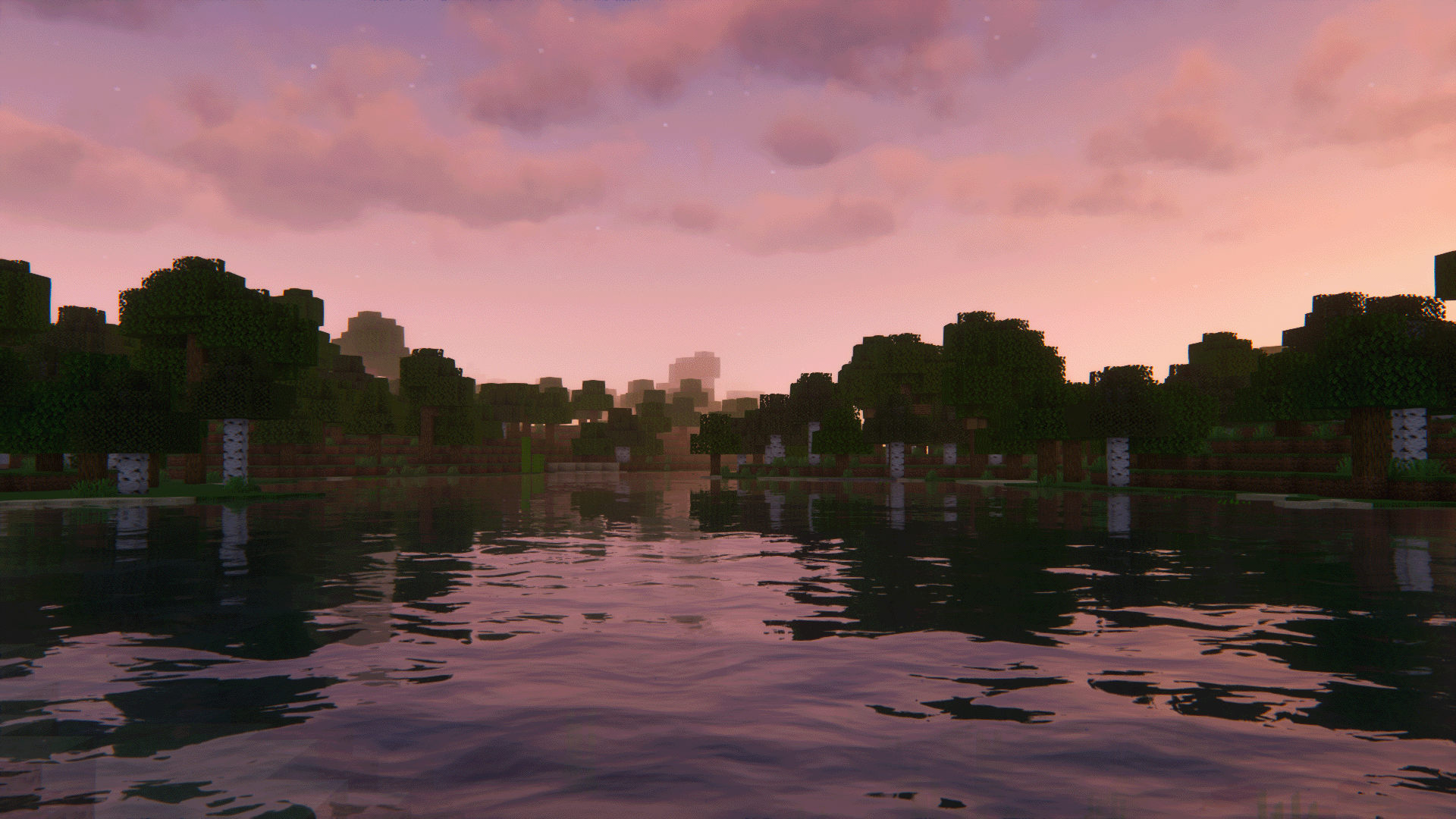
Look no further, my friends. Follow these simple installation steps in order to massively boost your FPS (that's frames per second for you non-gamers) using the Sodium and Lithium mods, as well as be able to overhaul the entire look of your game using shader packs. You can still increase performance using these mods without using shaders. There are hotlinks for your web browsing convenience

STEP 1: Install minecraft and load into the game version you wish to play on (this is to generate necessary files before mod installation).
STEP 2: Download Iris/Sodium installer.
STEP 3: Run the installer and select the game version you previously loaded. Select "Fabric install" and click Install. It will install three things:
- Fabric Mod Loader
- Iris (shaderpack support)
- Sodium (performance boosting mod)
STEP 4: Open the Minecraft Launcher and select the version called "Iris & Sodium for [version]" It is also highly recommended to increase the allowed ram your game can use. At the top go to Installations > click the three dots on the left side of your game version > edit > more options > under JVM Arguments, change "-Xmx2G" to say "-Xmx4G"
STEP 5: Go to Options > Video Settings > Shader Packs > Open Shader Pack Folder. From there you can add a shader pack or customize the performance and other options.
STEP 6 (OPTIONAL): Install the Lithium mod. Used with Sodium to further increase performance.
Another good mod to install is Sodium Extra which gives more performance tuning options for those seasoned gamers looking to overclock every bit of juice they can out of their mid-tier PC. (myself included)
TO INSTALL: Navigate to your .minecraft folder by typing %appdata% into the windows search bar. From there open the "mods" folder and copy any applicable mod files into it.
(Alternatively, you can open this folder in the game by going to options > resource packs > open resourcepack folder, then go to the .minecraft parent folder)
STEP 7: Revel in the beauty of your new graphics.
P.S. I hope this works... I installed differently but the fundamental principles are the same. I will edit this if it turns out to be wrong.
Last edited: